|
Call us at: 1.805.498.7162 1.805.558.9277 |
![]() |
![]()
|
Home > Microsoft Excel Macro Software Design |
|
![]() |
Award Winning Microsoft Excel Macro Software Designfor Business, Engineering and Science eMAGINE What We Can Do With Your Spreadsheet! Over 14 Years of innovative, cutting edge Microsoft Excel software design that saves you time and money. At EMAGENIT, we do all of our programming in the US which means your proprietary information remains secure. We work continuously with businesses as well as the technical communities and we provide a life long guarantee so if something goes wrong down the road, we will always fix it. |
Our Excel Macro Design Services |
|
NASA Award for Microsoft Excel Software Design |
|
|
|
EMAGENIT received an award from NASA for its software design in Microsoft Excel and VBA for the Mars Rover. Click the hyperlink above to see how we did it. |
About Our Microsoft Excel Software Design Services
|
Microsoft Excel Worksheet Design
|
Design Example
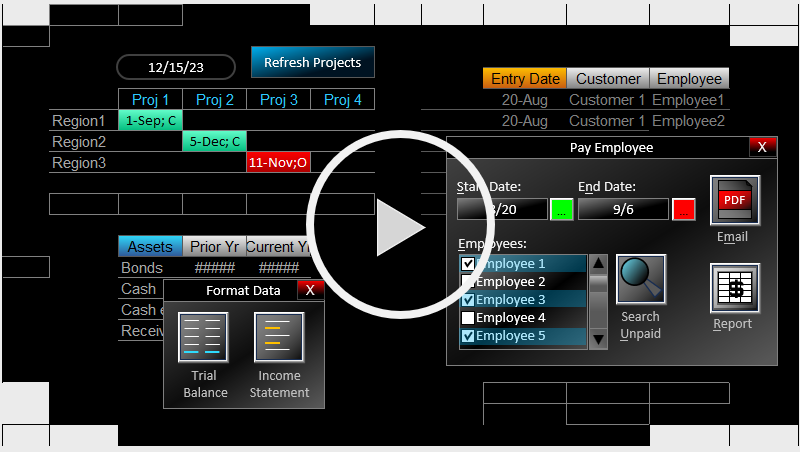
Simple Worksheet Dashboard Built from Data Validation, Conditional Formatting, ActiveX Controls, Charts and Excel Array Formulas |
Microsoft Excel Automated Report Design
|
Design Example
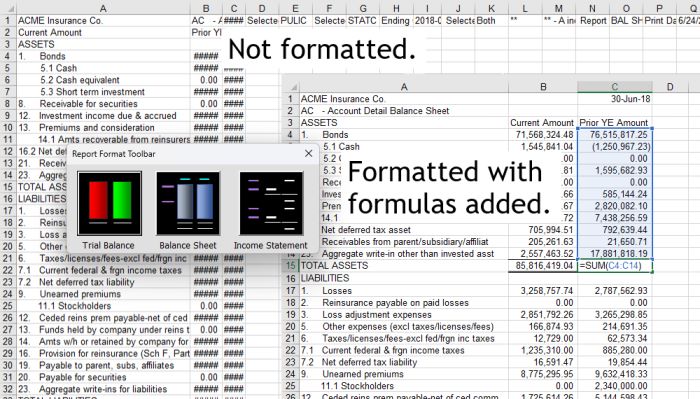
Example of a reporting tool in Excel that processes data, creates charts then places them in PowerPoint |
Microsoft Excel Dashboard Design
|
Design Example
One of Our Dashboards from Our Tek-Tasks Scheduling Software |
Data and Systems Integration Using Excel Macros
|
Design Example
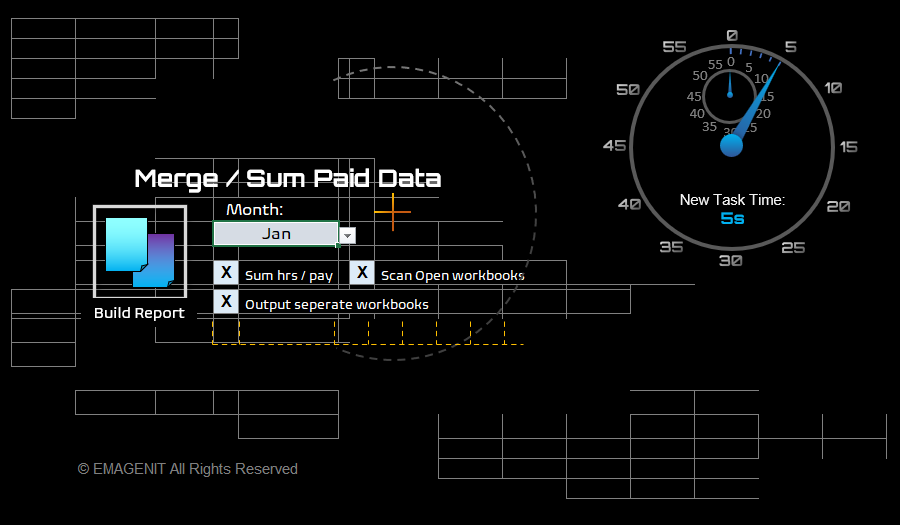
Our Access Table Maker Loads or Creates and Access Database |
Windows Folder Management Using Excel Macros
|
Design Example
Our Quick Save Software Allows Workbooks to be Quickly Saved to a Designated Folder and with Predetermined Names |
Data Processing Using Excel Macros
|
Design Example
A Simple Dashboard That Queries Multiple Text Files and Constructs Collated Data Tables |
Data Mining Using Excel Macros
|
Design Example
Our Replace-IT Software Scans Text in a Table and Replaces Text Based on Position |
Microsoft Excel Security
|
Design Example
Our Worksheet Table Encryption Encrypts and Automatically Decrypts Data When Calculation Occurs |
Things to Know About Microsoft Excel Macros |
|
What is a Microsoft Excel MacroAn Excel macro is a computer program that is written or recorded and is stored in a workbook file. When run, it can perform a series of automated tasks in Excel such as automated chart creation, formatting, data processing, pivot table construction... the list is endless. Microsoft Excel macros are also capable of executing sophisticated logic instructions as well as performing iterative tasks like going through a folder for a specific file or scanning Excel for an open workbook or a specific worksheet or value. The word Macro is actually misleading being confused with the earlier Macro language that Microsoft Excel used in the early 90's till 94. The macros back then where stored on what looked like a worksheet, these sheets being called called Macro Sheets. They still exist in Excel today if you right mouse click over a worksheet tab and select Insert/MS Excel 4.0 Macro. The code on these sheets look like a series of formulas. One of these old style sheet is illustrated directly to the right.
An Excel macro is actually a Visual Basic
procedure, which is written in VBA which stands for Visual Basic for
Applications (What is VBA). It is usually a
Sub procedure (pictured right and below) or in some instances a Function
procedure. These procedures are stored in a workbook file in a module and
can be viewed in the VBA Editor by pressing the Alt+F11 key while in Excel.
When the workbook file storing the macro is An Excel Macro is not only capable of automating the Excel environment, it can also command other programs that are VBA compatible. In other words, you can be in Excel and command Word, Internet Explorer and SQL server in the same procedure. A macro can also talk to other computer languages like C, VB.NET, FORTRAN basically any language that is VBA compatible. What this brings to the table is being able to access capabilities and speed that VBA does not process. Do not underestimate the power of Excel macros, they have Excel at their command, other programs, other languages and can do the most sophisticated mathematics and analysis that you want to do. Developing macros in Microsoft Excel takes about a sixth of the time as other traditional programming environments (sometimes quicker) and can flat out do things that are impossible in other computer languages without a great deal of effort. There are many EMAGENIT projects that started as band-aids till bigger systems were developed and then took over as the main programs because the other systems could flat out not be developed. Why Recording a Microsoft Excel Macro Does Not Accomplish Your GoalA lot of books and consulting companies push that being able to record a macro in Excel is all you need to put together a program. In some instances, consulting companies will claim to know how to write macros for Excel and actually just switch on the recorder and edit the code a little. Plugging that all you need to know is how to use the Macro Recorder to control Excel is a very false misleading statement. The Macro Recorder is really an ineffective tool when used to try to build an Excel Macro from scratch. The biggest failure comes in the way it records the object expression (path) to what you are trying to control in Excel. Object oriented programming revolves around the single concept that you create an object expression identifying what you are trying to control then tell that object what to do. For example in the code above, the full object expression (path) would be Application.Workbooks.Item("Book1").Worksheets.Item("Sheet1").Range("A1") which drills down to the Range object (a cell) then Copy is run to accomplish the task. The recorder does not record code this way, it uses an active strategy which means it will generate code that will toggle workbook to worksheet to get you into position, then use a Selection command most of the time to identify what you want to control. The following is the way the recorder recorded the two lines of code pictured above: Sheets("Sheet1").Select The problem with the code is that it is not robust in execution and very vulnerable to errors. Notice it does not even identify the workbook which could be a big problem. In some instances, the recorder will not even record a task or record it only partially. In reality, the macro recorder is only really good for figuring out the command you want to carry out like Copy or PasteSpecial and how they look when typed (syntax). In recent versions of Excel it does not even do that very well either. Also the recorder does not put in place logic, loops or variables which are key to creating a functional Excel macro. In short, you are going to have to learn basic programming (loops, logic and variables) plus how to create these object expressions from scratch if you want to create a feasible Excel macro. If you do hire a firm to create a Microsoft Excel macro for you, be sure to be on the look out for a lot of Select, Selections and Actives in the computer code. If you see this, they probably used the recorder to write the macro in which case you should ask for a refund. |
Copyright © 2002-2012 EMAGENIT All Rights Reserved