 |
Signup | Classes | Onsites | Manuals | Software | Contact | About |  |
Home > Excel Class Schedule > Virtual Learning Details
|
Signup | Classes | Onsites | Manuals | Software | Contact | About | |
We've been broadcasting online since 2005! Below you will find all the information on how we broadcast our classes.
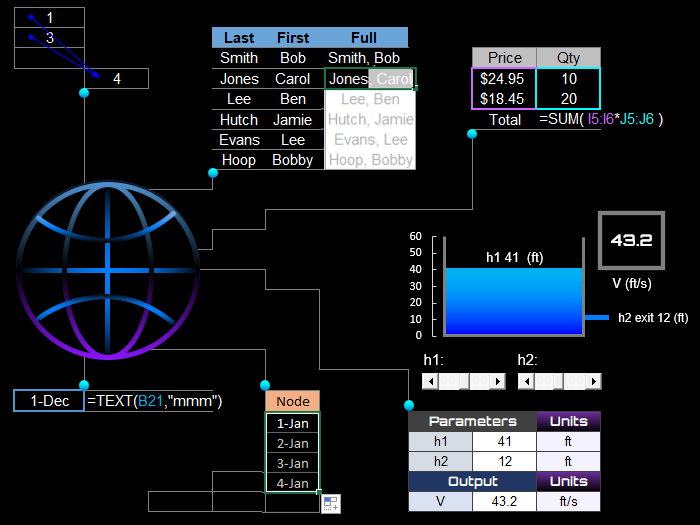

At EMAGENIT, we're not newcomers to virtual training, we've been training online since 2005. Our online classrooms are designed to make you feel like you're right there with the instructor.
In our virtual training, you can interact with the instructor and ask as many questions as you want. Plus, our instructors can see your work with permission and offer guidance on how to solve any errors. And as always, you can repeat our classes. Repeat Details >
And for a more precise learning experience, we divide our Excel training into two basic groups: business & industry > and engineering & science >.
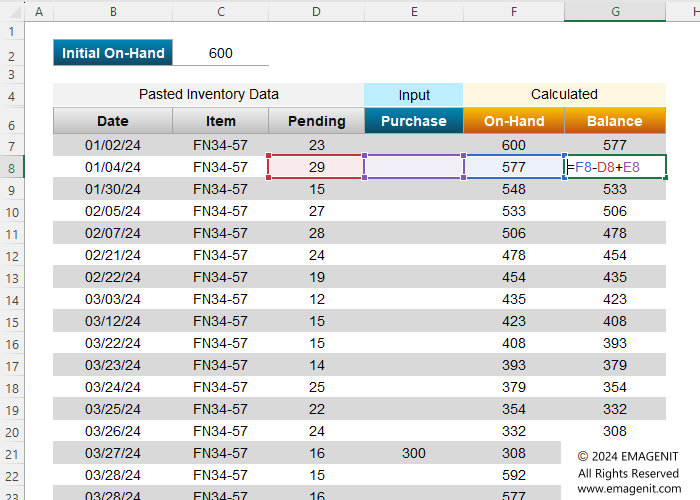
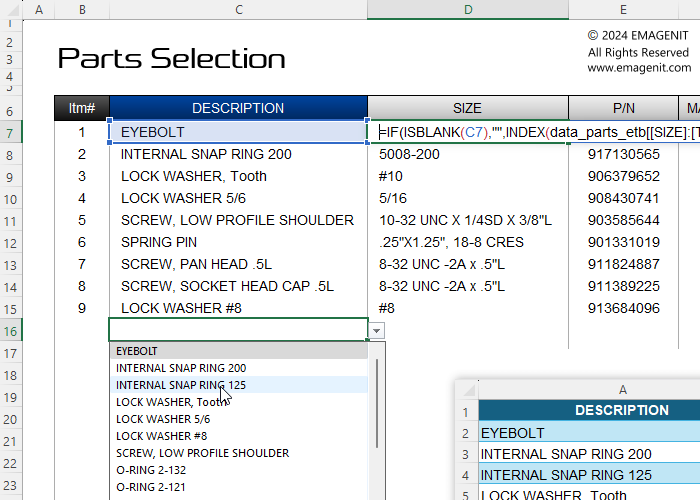
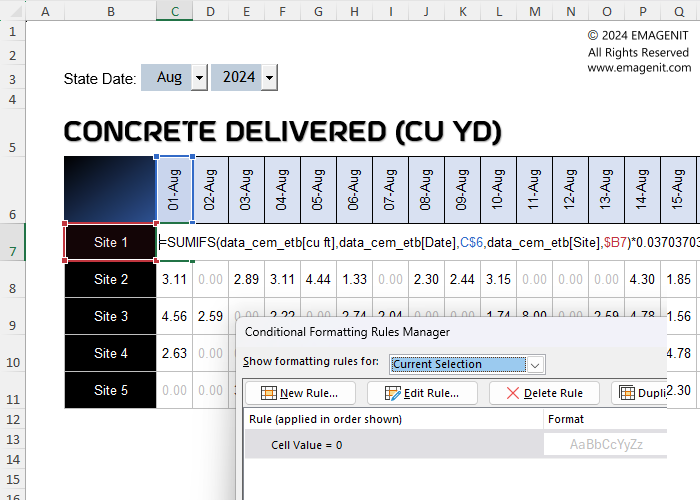
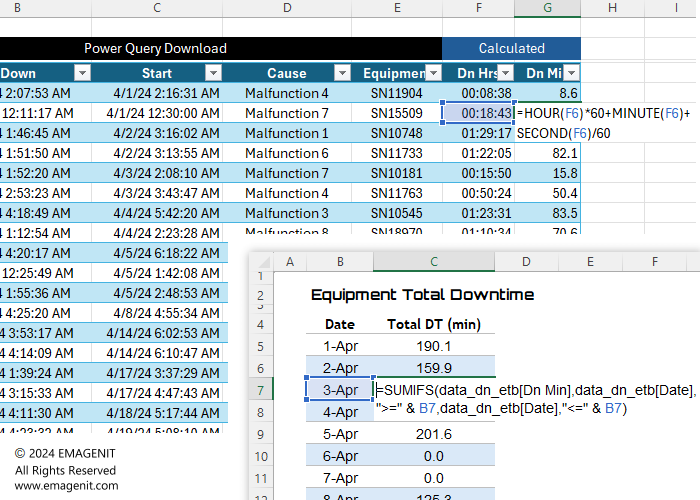
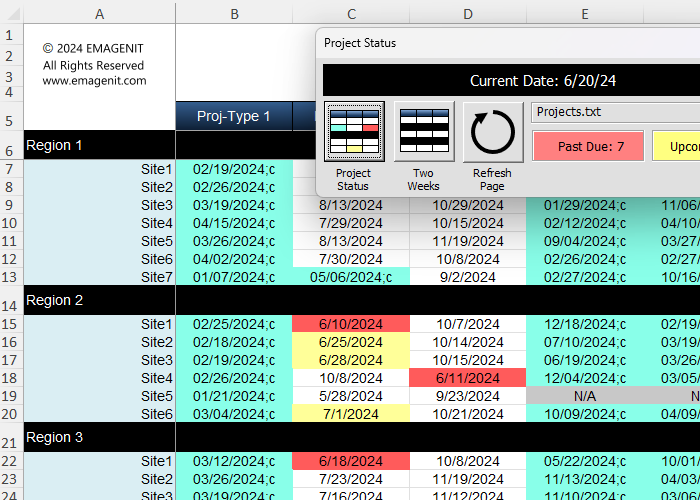
Excel Training Services
Excel Classes - Business and Industry
- Beginning Excel for Business and Industry
- Intermediate Excel for Business and Industry
- Advanced Excel for Business and Industry
- Excel Dashboards for Business and Industry
- Beginning Excel VBA for Business and Industry
Excel Classes - Engineers / Scientists
- Microsoft Excel for Engineers for Scientists
- Excel Data Analysis for Engineers and Scientists
- Excel VBA for Engineers and Scientists
- Excel VBA Data Analysis for Engineers and Scientists
- Adv Excel VBA Design for Engineers and Scientists
- Calling Fortran DLLs from Excel VBA
Excel Software Design/Consulting
Microsoft Excel Manuals
- Microsoft Excel Solutions Handbook
- Creating Advanced Excel VBA Apps
- Excel VBA Handbook for Engineers and Scientists
- Excel VBA App Design for Engineers and Scientists
EMAGENIT Company Information
US Military
Copyright © 2002-2023
EMAGENIT All Rights Reserved