|
Schedule | Classes | Onsites | Manuals | Customers | Contact | About |  |
Home > Excel Classes > Microsoft Excel Overview
|
Schedule | Classes | Onsites | Manuals | Customers | Contact | About | |
Presented below is an overview of key Microsoft Excel components and how Excel can be applied to various problems.
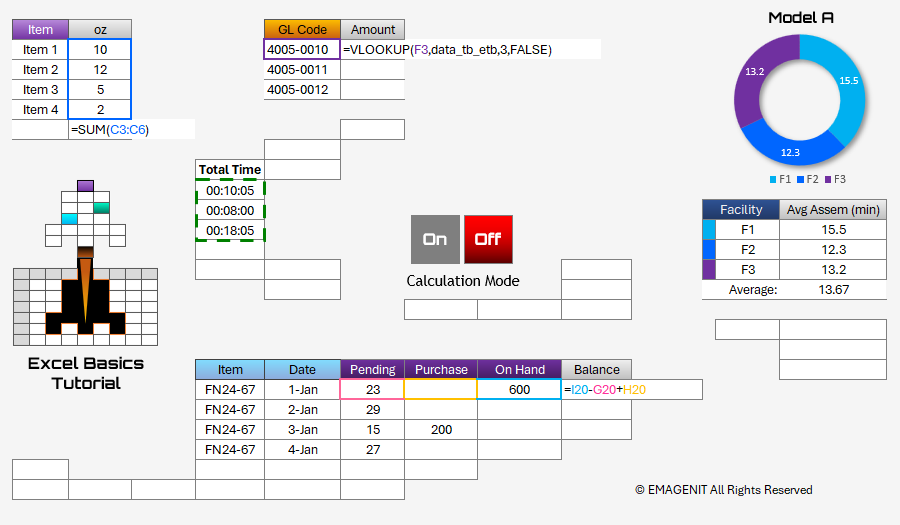
Additional Tutorial Topics:
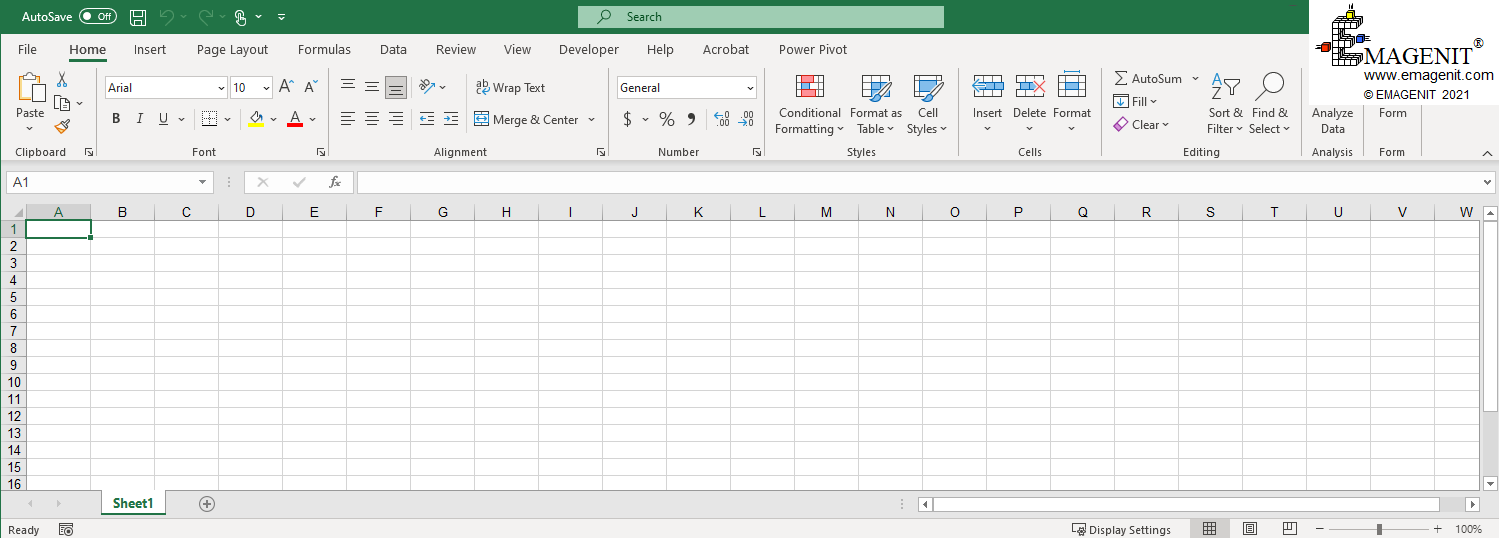
Microsoft Excel is comprised of organizational units called workbooks. A workbook is a file that can be recognized by its common file extension of .xlsx. Workbooks that contain VBA code, commonly referred to as macros, have an extension of .xlsm. Be very careful when opening a workbook with VBA code as the code can run automatically after it is enabled and can wreak havoc on your computer.
A standard workbook contains worksheets and chart sheets that can be viewed by clicking on their tabs at the bottom of the workbook window. Workbooks are controlled via their File tab in the Ribbon (top of the window) using File / Open or File / Save As. Workbook window controls are found in the upper right hand corner of the window and control expansion and collapse.
In Excel versions 2013 and above, workbooks open in their own individual windows with Excel controls in each window.
Scroll < > picture if hidden.
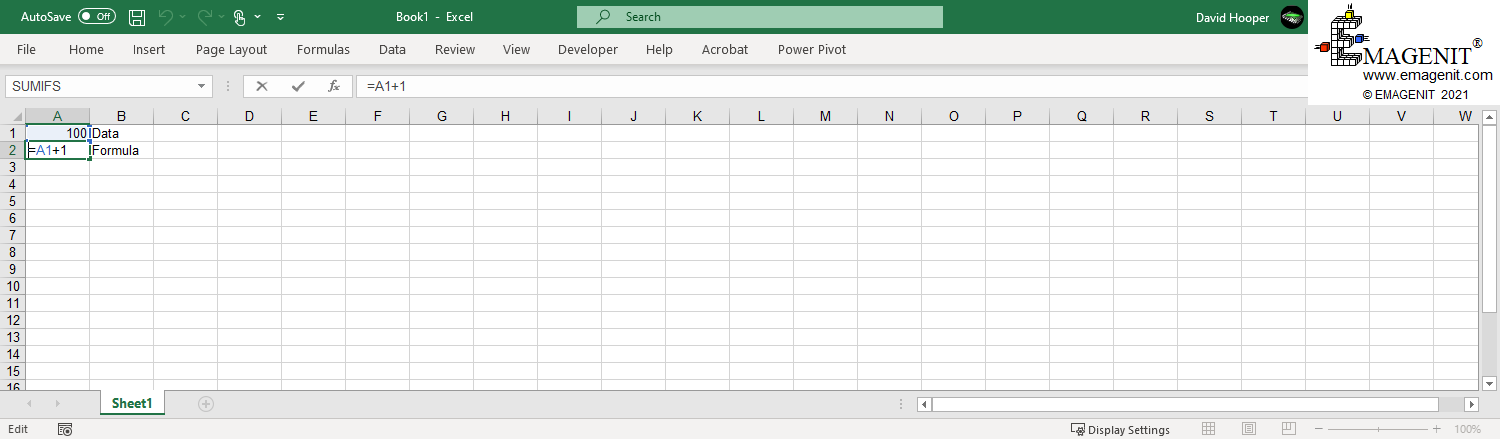
A worksheet is comprised of cells arranged in a table grid configuration. The column headers are labeled with alphabetical letters and the rows are numbered. These headers can be seen on the top of the worksheet and the left hand side.
The job of a cell is to store typed data or a formula that performs a calculation. Excel's data tools (data filters, sorting, PivotTables, Power Query) use the worksheet and process the stored data on it.
Scroll < > picture if hidden.
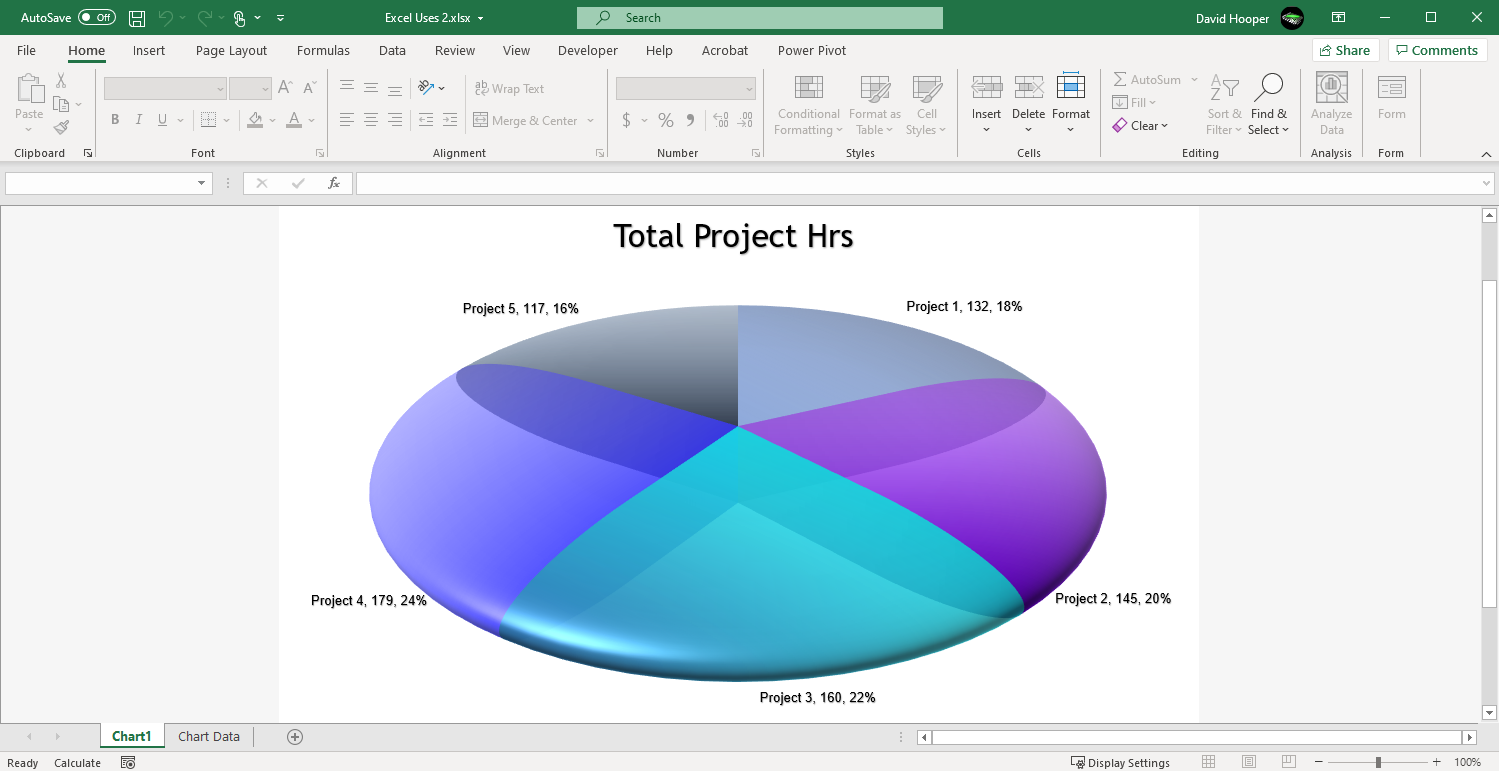
A chart sheet's job is to present a chart (graph) developed from data stored on a worksheet or from some other data source. They come in all different flavors like column, line, pie, sunburst, waterfall..., the list is pretty extensive. They can be formatted many different ways and they update when their sources change.
Charts can be placed on their own sheets and embedded on worksheets allowing many types of UI's to be developed.
Scroll < > picture if hidden.
Think of Microsoft Excel as a modular tool set that can be rapidly configured to accomplish a variety of tasks. In addition to Excel's capabilities, a powerful programming language called Visual Basic for Applications (VBA) which comes standard with Microsoft Excel can be used to automate its environment as well. Using Microsoft Excel, a professional can accomplish important tasks like:
By using Microsoft Excel to create tools, company funds and time are not invested in developing software tools from the "ground up" in computer languages that take large staffs to maintain.
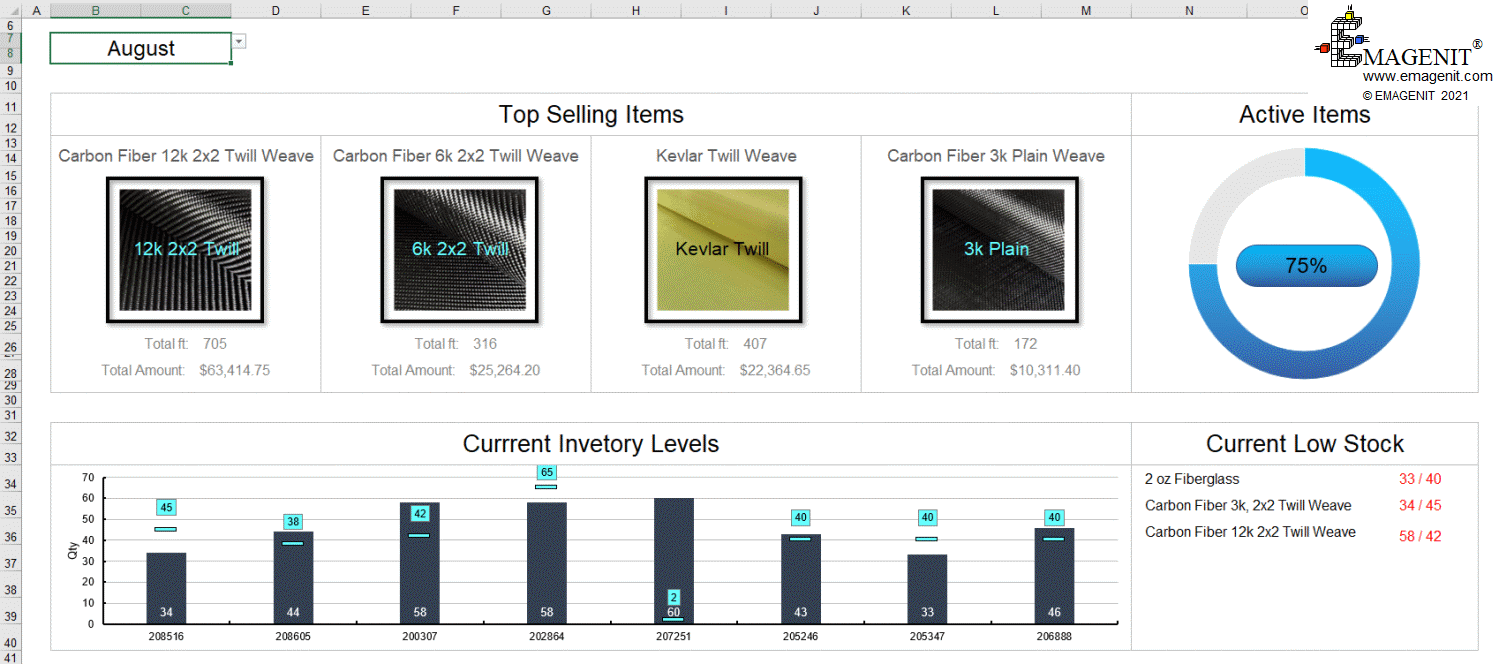
Scroll < > picture if hidden.
Excel Training Services
Excel Classes - Business and Industry
- Beginning Excel for Business and Industry
- Intermediate Excel for Business and Industry
- Advanced Excel for Business and Industry
- Excel Dashboards for Business and Industry
- Beginning Excel VBA for Business and Industry
Excel Classes - Engineers / Scientists
- Microsoft Excel for Engineers for Scientists
- Excel Data Analysis for Engineers and Scientists
- Excel VBA for Engineers and Scientists
- Excel VBA Data Analysis for Engineers and Scientists
Microsoft Excel Manuals
- Microsoft Excel Solutions Handbook
- Creating Advanced Excel VBA Apps
- Excel VBA Handbook for Engineers and Scientists
- Excel VBA App Design for Engineers and Scientists
EMAGENIT Company Information
US Military
Copyright © 2025
EMAGENIT All Rights Reserved